Govern how your company uses AI
Five controls, one identity graph, nothing to install.
Anzenna gives security teams one place to see every AI tool in use, decide who can reach it, keep sensitive data out of prompts, and catch misuse before it becomes an incident.

AI usage control, at a glance
- One page for the whole AI surface: discovery, access, data protection, misuse, and posture, governed together.
- Identity-first. Every AI signal is tied to a person, a role, and the data that person can already reach.
- Agentless. Read-only API connections to the identity, SaaS, and cloud sources you already run, live in about fifteen minutes.
- Enablement, not a ban. Teams keep the AI that makes them fast, security keeps the record and the off switch.
AI arrived before the controls did
Employees adopted copilots, assistants, and agents faster than any procurement cycle could review them. The tools watching your network were built for files and endpoints, so three things pass straight through.
- Shadow adoptionMost AI use starts on a personal login or a browser extension that never appears on a sanctioned-app list.
- Prompt-shaped dataSensitive material leaves as pasted text rather than as a file, so content-pattern DLP never inspects it.
- Non-human actorsAgents, MCP servers, and extensions hold standing access that no joiner-mover-leaver process ever reviews.
Five controls, one discipline
Each one stands on its own. Together they cover the full path, from an AI tool appearing in your stack to an agent acting on your data.
AI Discovery
The full inventory of AI tools your people actually use, including the browser extensions and personal logins no approved-app list captures.
Explore ↗ 02AI Access Control
Grant AI access by role and by risk, then pull it back in one click when the picture changes.
Explore ↗ 03AI DLP
Watch what goes into the prompt, not only what leaves as a file, and stop the paste before the data is gone.
Explore ↗ 04AI Misuse Prevention
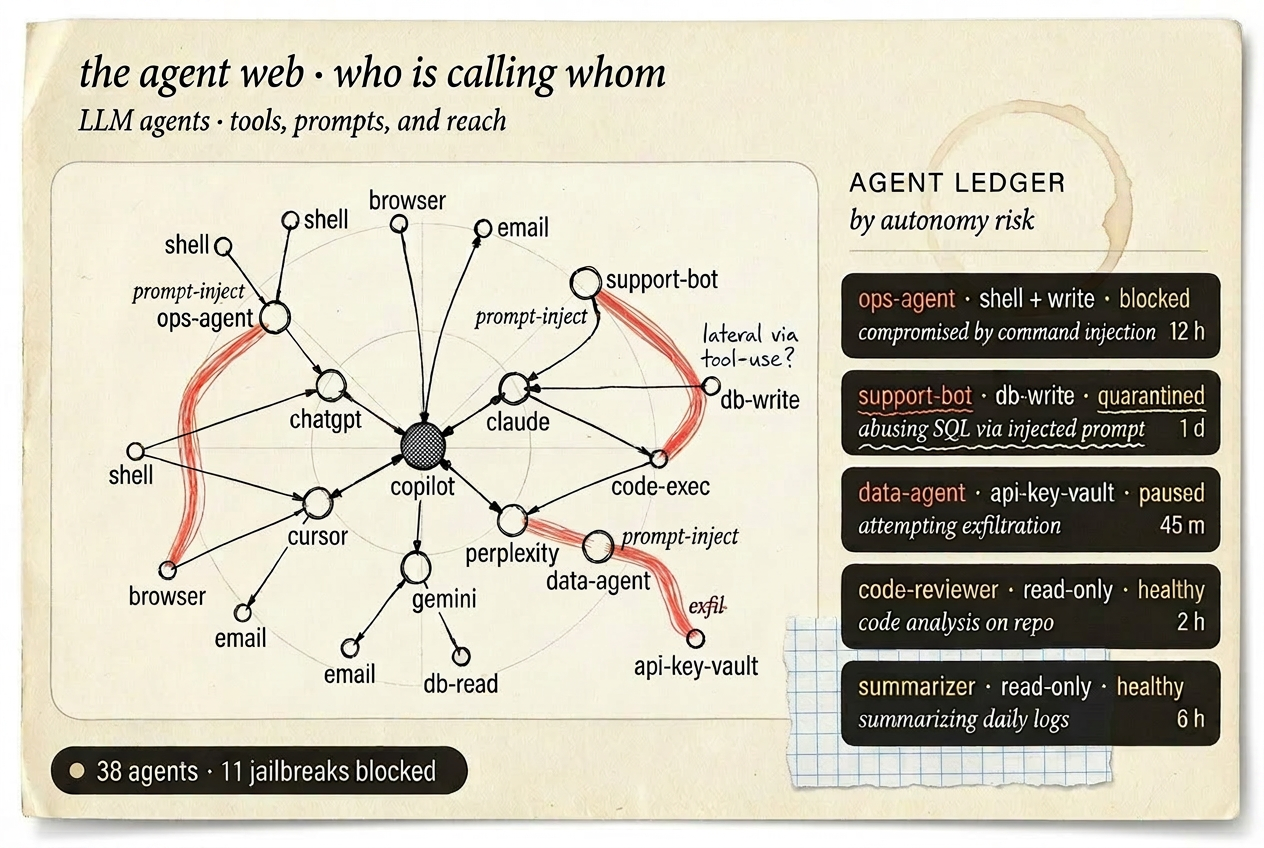
Catch the prompt injections, policy breaches, and agent actions that look ordinary until you see the identity behind them.
Explore ↗ 05AI Posture Management
Keep a standing account of every agent, MCP server, and extension holding access, and the person accountable for each.
Explore ↗One graph under all five
Anzenna connects read-only to the identity providers, SaaS apps, and cloud accounts you already run. From that metadata it builds one behavioral graph, and every AI control reads from the same picture.
-
Connect
Read-only API access to 130+ identity, SaaS, cloud, and endpoint sources. Nothing goes on a laptop.
-
Correlate
OAuth grants, sign-in events, and app activity resolve into people, the AI they use, and the data they touch.
-
Control
Allow, route to review, or revoke, and the decision holds across every tool in the graph.
What that changes
| The question | Network and endpoint tooling | Anzenna |
|---|---|---|
| Which AI tools are in use? | Sanctioned apps on a proxy or allow list | Every AI tool identity touches, sanctioned or not |
| Who is using them? | An IP address or a device | The person, their role, and their peer group |
| What data went in? | Files crossing a defined egress point | Prompts, pastes, and OAuth-shared content |
| Who owns the agent? | Usually not tracked | The human accountable for each agent and MCP server |
We had no insights into our AI usage and Anzenna was able to provide us with a comprehensive visibility layer.
Your stack, unchanged
Fifteen-minute install. Read-only by default. No agents on endpoints.






Common questions
What is AI usage control?
AI usage control is the practice of governing how a workforce and its AI agents use AI: knowing which AI tools are in use, deciding who can reach them, keeping sensitive data out of prompts, and catching misuse. It governs the AI layer specifically, rather than files and endpoints in general.
How is this different from a CASB or a secure web gateway?
A CASB or secure web gateway sees sanctioned cloud traffic and known domains. Anzenna reasons over identity and behavior across your whole stack, so it also surfaces personal AI accounts, browser AI extensions, OAuth-connected assistants, and agents that were never on an approved list.
Do we have to block AI tools to use Anzenna?
No. Anzenna is built for enablement. It starts read-only, produces an attributed inventory with risk scores, and lets you choose what to allow, what to route to review, and what to revoke. Enforcement is a decision you make, not a default it applies.
Do you need an endpoint agent?
No. Anzenna connects over read-only APIs to the identity providers, SaaS apps, and cloud platforms you already run, and reads metadata only. There is nothing to install on laptops, and most teams are live in about fifteen minutes.
See your AI surface, in thirty minutes
Your environment, your identities, your data. No agents to deploy.