
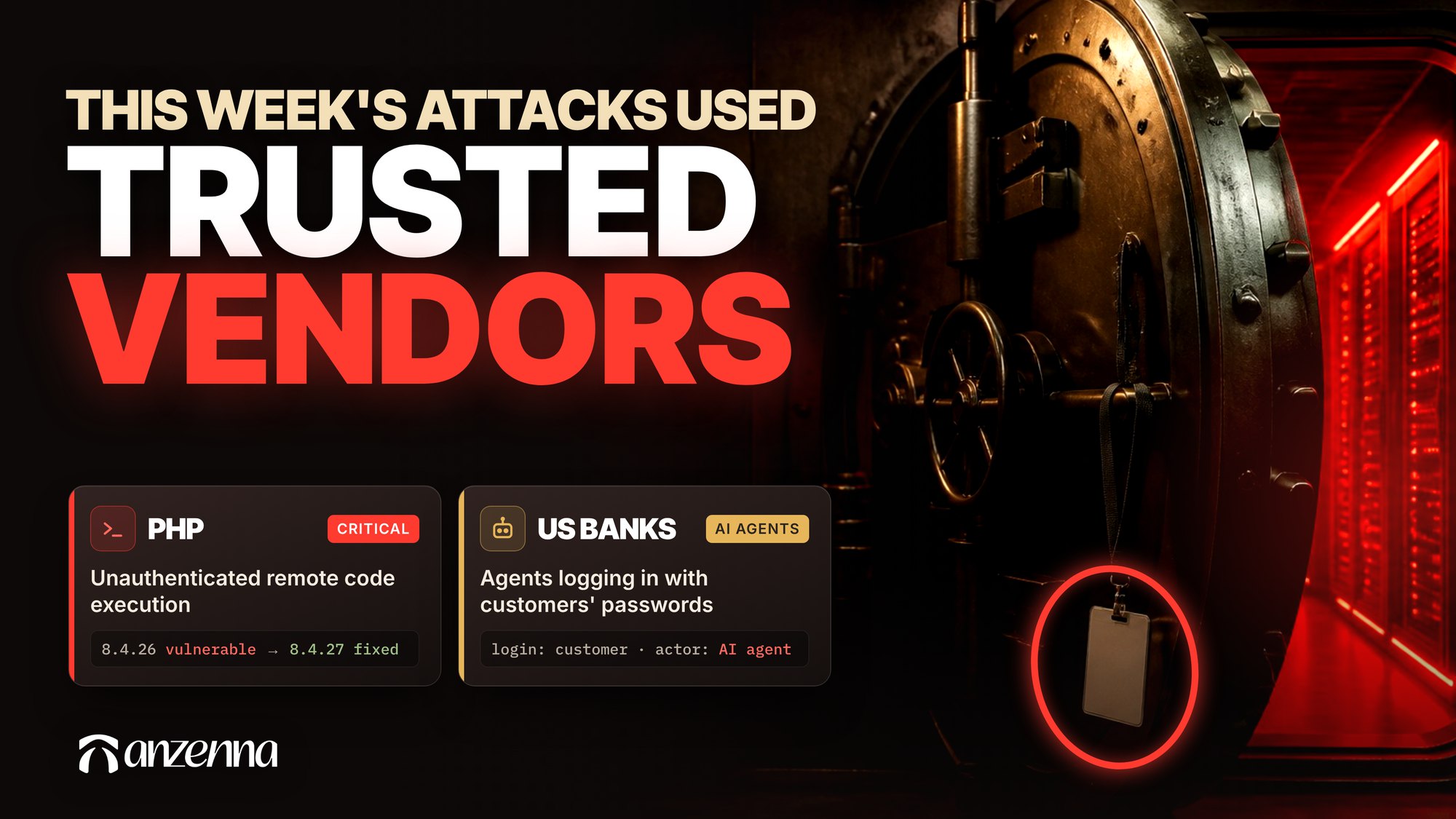
The week of October 19, 2026 was a hard one to run a security program. Four major stories landed between Monday and Thursday. Each one went through something companies had already decided to trust: a vendor’s app, the language most websites run on, the certificates that tell a browser a site is real, or a customer’s own AI assistant. In most of them, the controls security teams spent years building never came into play.
The reassuring part is that every one of these went through a specific gap you can check. The steps in each section below take a few hours with the right admin access, and none of them need new tools.
A vendor’s backup app signed into Microsoft 365 tenants without an MFA prompt
On October 21, Microsoft published its findings on an attack through ConnectWise Cloud Backup [1]. It attributed the campaign to Storm-0940, a China state-aligned group, which used an open-source agentic framework called ARTEX “to attempt to sign-in to more than 2,250 tenants.” Microsoft also said threat actors in multiple regions are now using ARTEX.
The attacker didn’t steal a user account. It used a compromised ConnectWise credential to sign in as the backup application itself, which customers had allowed to read and write their mail, OneDrive, SharePoint and Teams data [2]. App sign-ins use a secret or a certificate, so there was no password to check and no user to prompt. That’s by design, since a backup job running at 3 a.m. can’t answer a push notification.
Why Conditional Access couldn’t step in
Conditional Access looks like the obvious fix, but Microsoft’s documentation rules it out here. Conditional Access for workload identities applies only to “single tenant service principals that are registered in your tenant” (Microsoft Learn). The same page says “Microsoft and third-party SaaS applications, including multitenant apps, are not covered by these policies.” Where the policies do apply, blocking access is the only control available, and they require a Workload Identities Premium license. ConnectWise’s app is vendor-owned and multitenant, so none of this covered it.
How the access outlasts the incident
Once inside, the attacker moved quickly. In one affected tenant that responders examined closely, a related ConnectWise app granted itself Global Administrator within about five minutes [2]. It then added client secrets valid until 2028 to two other applications. Microsoft’s Graph documentation warns about exactly this: “Permissions that allow managing credentials, such as Application.ReadWrite.All, allow an application to act as other entities, and use the privileges they were granted” (Microsoft Learn).
Those secrets keep the access alive after ConnectWise shuts its own services off. An attacker who adds a secret to a second, unrelated app no longer needs the vendor’s credential at all.
How to find apps in your tenant that can act as Global Administrator
You need at least the Cloud Application Administrator role for these steps (Microsoft Learn).
- Sign in to the Microsoft Entra admin center and go to Entra ID, then Enterprise apps, then All applications.
- Open each third-party app, select Permissions, and review the Admin consent tab.
- Flag any app holding RoleManagement.ReadWrite.Directory, Application.ReadWrite.All, Directory.ReadWrite.All or full mailbox access.
- Confirm with each vendor that the app still needs that access, and revoke what it doesn’t from the same tab.
Revoking a permission doesn’t stop an app from asking for it again. Microsoft notes the app must stop requesting it, or consent must be restricted (Microsoft Learn).
Where app sign-ins show up, and why many alerts miss them
Entra ID records four kinds of sign-ins: interactive user, non-interactive user, service principal and managed identity (Microsoft Learn). The legacy sign-in log view shows only interactive user sign-ins. Alerts built on that view, or on an export of user sign-ins alone, would have shown nothing unusual during this attack.
- In the Entra admin center, go to Entra ID, then Monitoring & health, then Sign-in logs, and open the service principal sign-ins.
- Check that service principal sign-ins are among the log categories you stream to your SIEM.
- Review ID Protection, then Risky workload identities, which needs at least the Security Reader role (Microsoft Learn).
- In the audit logs, alert when an app performs “Add service principal credentials,” “Update application - Certificates and secrets management,” “Add member to role” or “Consent to application” (Microsoft Learn).
Entra ID Protection is the realistic fallback here, because it flags risky sign-ins for multitenant and third-party apps that Conditional Access can’t touch (Microsoft Learn). Without a Workload Identities Premium license, you still get those detections with limited detail.
If you used ConnectWise Cloud Backup, Microsoft’s guidance is specific [1]. Search for the ConnectWise apps by application ID instead of display name, including integrations you no longer use. Review service principal sign-ins back to October 1 where records exist, and look at successful and failed sign-ins separately. Microsoft also advises against deleting the enterprise apps as a first step, because that destroys the evidence.
A decade-old PHP flaw leaked before the patch was ready
On October 21, two critical flaws in PHP’s core went public ahead of schedule. Axios reported that the bugs had gone undetected for more than a decade and were found with help from frontier AI [3]. OpenAI called it “one of the most impactful security issues in recent memory.” Details leaked before the coordinated disclosure, and governments and companies in the US and UK took sites offline to patch.
The flaws, CVE-2026-109618 and CVE-2026-109619, are use-after-free bugs that let an unauthenticated attacker run code on the server, according to the Canadian Centre for Cyber Security [4]. Every PHP installation that serves web requests is exposed, whether it runs through PHP-FPM or Apache’s mod_php. The alert rates mod_php as the greatest risk, because the exploit can fire before any application code runs.
How to patch, and where PHP hides
The fixed releases are PHP 8.5.12, 8.4.27, 8.3.36 and 8.2.35, and a public proof of concept already exists [4]. PHP 8.1 and older no longer get fixes from the PHP project. Some Linux distributions and long-term support vendors backport fixes to older versions, so check with yours before assuming you’re exposed.
- Patch internet-facing systems that process untrusted input first.
- Ask your appliance and SaaS vendors whether their products bundle PHP, and track their patch dates.
- Check container base images for PHP, and rebuild them once the fixed packages are available.
- Where patching has to wait, isolate internet-facing applications from public networks, as the alert recommends.
The same alert advises reviewing web server and endpoint logs for unexpected processes or outbound connections tied to PHP or the web server [4]. That review matters because the details leaked before most teams had a fix to install.
AI didn’t create this flaw, but it shortened every step after it. The bug was found faster, and a public exploit followed within a day of the leak.
An Indian certificate authority’s signing keys could be guessed in under a second
On October 20, Mozilla disclosed that the private keys behind eight intermediate certificates from eMudhra, an Indian certificate authority, could be recovered from the public certificates in under a second. Researcher Scott Helme found that one key “is the number 4,” The Register reported [5]. Six of the certificates issue website certificates and two sign code.
eMudhra generated a batch of 24 intermediates on April 30, 2025, and eight of them were affected, according to Help Net Security [6]. A faulty script in the key ceremony created a second set of weak keys with labels resembling the real ones, and staff picked the weak ones. A real certificate authority key is a random number more than 100 digits long. All eight of these were smaller than 256.
Nobody knows whether anyone used the keys in the 17 months before the report. eMudhra revoked the certificates on October 18 and said only one intermediate reached production. On October 22, it announced it will leave the global TLS certificate business.
Where the risk remains after the browser fixes
Browsers have already fixed their side. Google, Mozilla, Apple and the Go project stopped trusting the certificates, and Microsoft remediated through revocation [7]. The risk that remains sits in systems that keep their own certificate lists and don’t pick up revocation updates. Those include Java keystores, appliances, container base images and internal apps.
- Update browsers and operating systems across managed devices.
- Rebuild Go applications on Go 1.27.3 or 1.26.10 [7].
- Search custom trust stores for the affected eMudhra intermediates, which Dark Reading lists as the EM DV, EM OV and EM EV TLS CA and EM OV CS CA intermediates in their G3B and G3C variants.
- Check code-signing allowlists and software inventories for anything signed through the two code-signing intermediates.
The code-signing certificates deserve the closest look. Software signed with them could pass checks that trust that chain, and those checks often live in endpoint and allowlisting tools that don’t follow browser updates.
US banks found AI agents logging in with customers’ passwords
On October 22, Axios reported that Morgan Stanley, JPMorgan, Bank of America, Wells Fargo and others are finding AI agents inside customer accounts [8]. In the most common case, a customer gives an AI assistant their username and password, and the assistant signs in as them. Some agents have called bank call centers or appeared to act without being asked. Banks often can’t tell whether an agent was authorized at all, so most are moving outside agents to read-only access.
Companies face the same problem with their own employees. An assistant connected through OAuth shows up in Entra ID or Google Workspace as an app, with a consent record an admin can review and revoke. Many computer-use agents and AI browser extensions work differently. They run inside a browser session the employee already opened, so the identity provider records only the employee.
How to control AI assistants connected to employee accounts
The banks’ policy carries over directly. Require agents to connect under their own identity, with read-only access by default. Require a person to approve anything that sends, shares, deletes or moves money.
For OAuth apps, Microsoft recommends allowing user consent only for apps from verified publishers, and only for permissions you’ve classified as low impact (Microsoft Learn). Tenants still on the legacy setting let any user consent to any permission that doesn’t require an admin.
- Under Enterprise apps, open Consent and permissions, then User consent settings.
- Choose “Allow user consent for apps from verified publishers, for selected permissions,” and classify which permissions count as low impact.
- Turn on the admin consent workflow so employees can request anything outside that list.
- Review the User consent tab on AI apps already connected, since changing the policy doesn’t revoke existing grants (Microsoft Learn).
Browser-based agents need a different answer, because no consent record exists for them. Decide which AI tools employees may use in the browser, and make sure you can see what those tools do with company data on the endpoint.
Two more from the same week
Reuters reported on October 19 that one hacker’s AI agents broke into more than 100 company websites, including Deere and Cummins, for roughly $50 per successful break-in [9]. The agents got in through product-support sites and vendor-run pages, the kind that sit outside a company’s main patch cycle. At that price, a failed attempt costs a few dollars, so attackers have no reason to pick targets carefully.
The same day, TechCrunch reported that attackers stole AI provider API keys stored in OpenCode Console and ran up charges above $1,000 on some accounts [10]. When OpenCode used AI models to investigate, the models “started refusing” once the work turned to malicious code, co-creator Dax Raad told Axios [11]. AI API keys are now a credential class of their own, and developers often store them in whatever tool they’re trying that week.
A checklist for Monday
- List the third-party and multitenant apps holding RoleManagement.ReadWrite.Directory, Application.ReadWrite.All, Directory.ReadWrite.All or full mailbox access, and alert when an app adds a credential or assigns a role.
- Patch PHP to the fixed releases, starting with internet-facing systems, and ask your appliance and SaaS vendors whether their products bundle a vulnerable version.
- Update browsers and operating systems, and rebuild Go applications on 1.27.3 or 1.26.10.
- Remove the eMudhra intermediates from any custom trust store or code-signing allowlist your systems use.
- Limit user consent to verified publishers and low-impact permissions, and decide how you’ll see AI agents that work through employee browsers.
- Find where your developers store AI provider API keys, and move company keys into a vault with spending limits set at the provider.
How Anzenna helps
Anzenna connects to the identity provider and the email and file systems you already run. A browser extension adds the AI layer. From there it inventories the AI tools, agents, MCP servers and OAuth-authorized AI apps in use across the company. Each OAuth grant is tied to the person who approved it, along with the permissions it holds and the data it has touched.
That covers both kinds of AI access in this post. The apps that connect through OAuth show up with their scopes and owners. The agents that work through an employee’s browser show up too, because Anzenna sees what happens in the browser and on the endpoint, where the identity provider can’t. Sensitive data moving through either path can be redacted or blocked as it moves.
To see how this looks in practice, drive the console yourself in our interactive tour, which runs on sample data. If you’d rather see your own environment, book a walkthrough and we’ll show you which apps and agents hold the most access in your tenant today.
---
References
- Microsoft Security Blog, “AI-driven, large-scale nation-state campaign using ARTEX enables supply chain compromise,” October 21, 2026.
- Cloud Security Alliance, “ConnectWise Cloud Backup: One Vendor App, 173 Tenants,” research note, October 2026.
- Axios, “Black October: why bugs discovered by OpenAI tech are creating a cyber emergency,” October 22, 2026.
- Canadian Centre for Cyber Security, “AL26-026: Critical vulnerabilities impacting PHP, CVE-2026-109618 and CVE-2026-109619,” October 21, 2026.
- The Register, “Indian certification authority eMudhra’s private keys compromised,” October 20, 2026.
- Help Net Security, “eMudhra security blunder left trusted CA signing keys exposed to anyone,” October 21, 2026.
- Dark Reading, “Tech Giants Block eMudhra Certificates Tied to 8 Compromised Keys,” October 20, 2026.
- Axios, “Scoop: Unvetted AI agents are accessing U.S. bank accounts,” October 22, 2026.
- Reuters, “How one hacker used AI agents to break into over 100 company websites,” October 19, 2026 (syndicated by the Honolulu Star-Advertiser).
- TechCrunch, “Hackers hit AI coding tool OpenCode, running up charges on users’ AI accounts,” October 19, 2026.
- Axios, “OpenCode breach exposes AI’s cyber defense dilemma,” October 21, 2026.